

















What a Thermal Camera Actually Sees
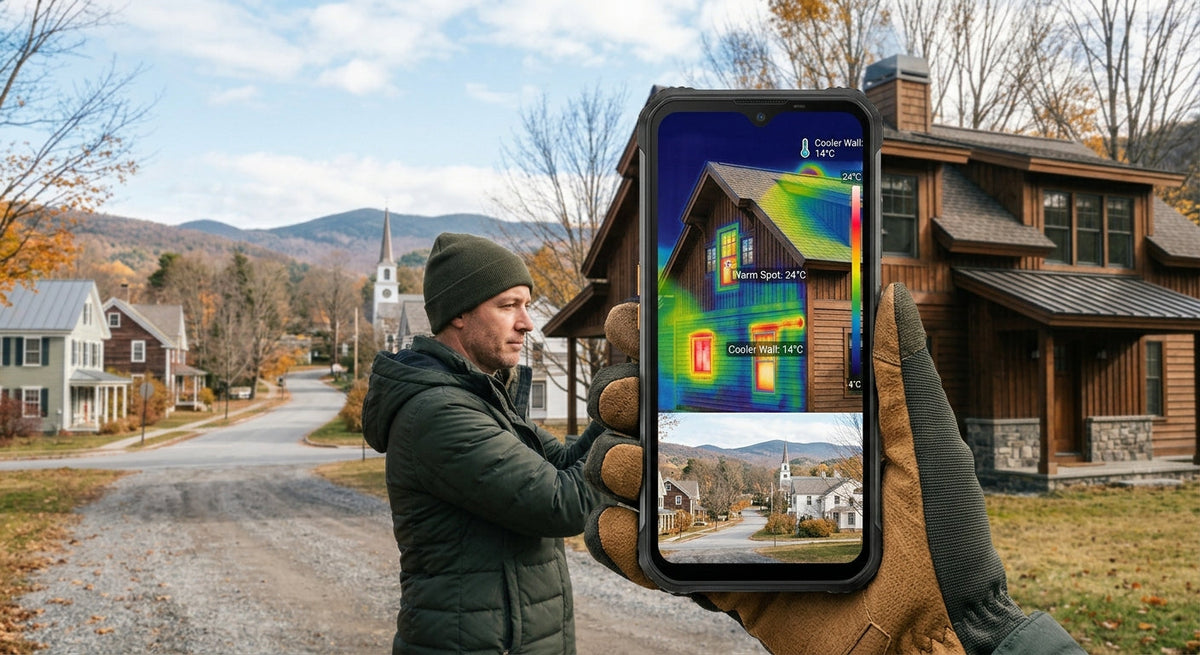
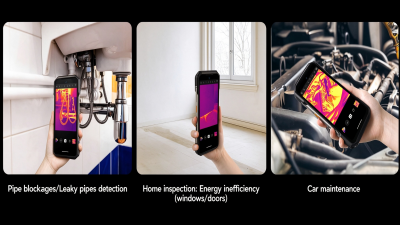
Every surface gives off infrared energy according to its temperature. The sensor turns that into a picture where colour stands for degrees. Plasterboard is opaque to it, just as it is to your eyes.
So why does it help with damp? Because water changes the temperature of the surface in front of it. Wet material cools as it evaporates and lags behind when the room warms up or cools down. The camera sees that footprint on the paint, typically a degree or two cooler than the wall beside it.
What It Does Well
• Finds damp you can't see or feel. Moisture inside insulation or behind plasterboard often leaves the surface looking dry. The cool outline still shows.
• Shows the extent, not just the spot. A stain the size of a plate can sit on a damp area the size of a door. Knowing the real boundary decides how much wall has to come off.
• Points to the source. Water runs along joists and pipes before it shows. Following the cold trail usually leads back to the entry point.
• Screens a room in a minute. A slow pan of the ceiling and outside walls tells you where to spend time.
• Proves the repair. A second scan after drying shows whether the cold patch has gone. It is also a clear record to send a landlord, building manager or contractor.
What It Can't Do
• It can't identify mold. It finds conditions mold likes. A patch can be damp with no mold yet, and that is the cheapest time to catch it.
• It can't tell wet from merely cold. Missing insulation, a draft, or a concrete beam all read cold. Shape is a clue; a moisture meter is the proof.
• It needs a temperature change. In a room that has sat at one steady temperature all day, a damp patch can fade to nothing. Scan in the early morning or evening.
• It struggles with shiny surfaces. Glass, glossy tile and bare metal reflect heat from elsewhere, including you.
• It doesn't replace a specialist. For rising damp, structural leaks or large mold growth, the scan is what you show the professional. It is not the diagnosis.
The US EPA's guidance is a useful anchor here: mold comes back unless the water problem is fixed. A thermal phone is a tool for finding the water problem.
How Much Resolution Do You Need
Thermal resolution is tiny next to a normal camera, and it matters more than any other spec.
At 160x120, a sensor has 19,200 measuring points. Standing a metre or two from a wall, that is enough to outline a damp patch the size of your hand. At 640x512 you get 327,680 points, about 17 times as many. Small patches show from across a room, and a high ceiling or a facade becomes workable.
Refresh rate matters less for walls, which don't move. The 25Hz listed on Ulefone's ThermoVue models keeps a slow pan smooth.
The Seven Ulefone Thermal Phones
|
Model |
Thermal sensor |
Battery |
Sale price |
|
ThermoVue T2, 640x512, 25Hz |
10,600mAh |
$1,199.99 |
|
|
ThermoVue T2, 640x512, 25Hz |
21,200mAh |
$799.99 |
|
|
FLIR Lepton 3.5 with MSX and VividIR |
10,600mAh |
$579.99 |
|
|
FLIR Lepton 3.5 |
6,200mAh |
$469.99 |
|
|
FLIR Lepton 3.5 with MSX and VividIR |
10,600mAh |
$449.99 |
|
|
ThermoVue, 160x120, 25Hz |
6,500mAh |
$449.99 |
|
|
ThermoVue |
6,600mAh |
$319.99 |
All seven carry IP68/IP69K and MIL-STD-810H ratings, which is not a small thing for a tool you take into attics and crawl spaces.
Armor 29 Pro Thermal: The Building Surveyor
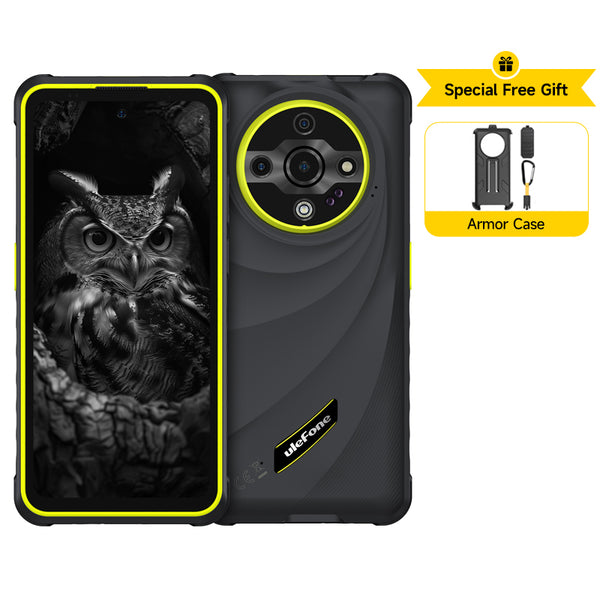
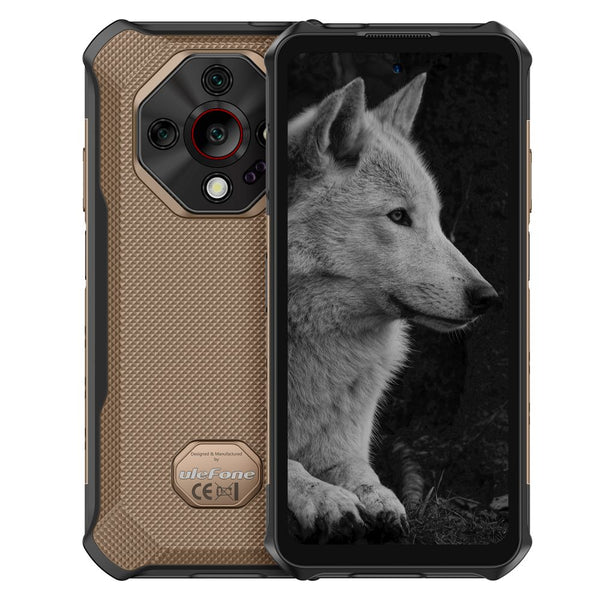
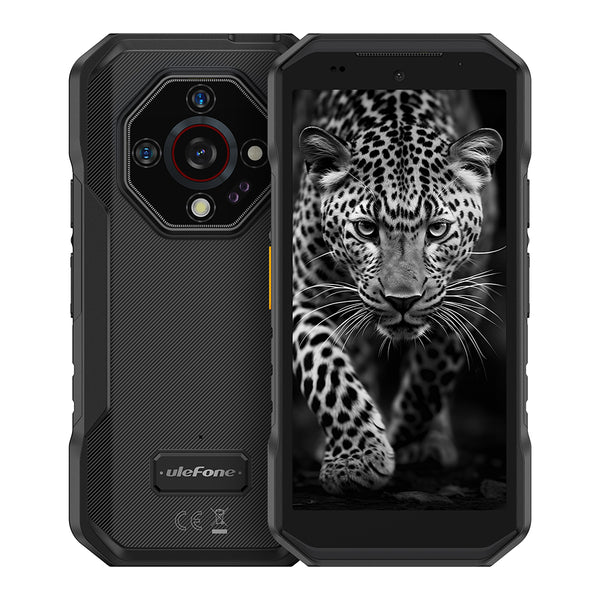
The 640x512 ThermoVue T2 sensor is the reason to buy it, and Ulefone lists accuracy at ±2°C. The 21,200mAh battery will outlast any inspection day. The trade-off is weight: the product page puts it above 688g, so it is a tool first and a phone second.
Armor 28 Ultra Thermal: The Flagship That Also Scans
Same 640x512 sensor, in a phone with a Dimensity 9300+ chip, a 1-inch main camera and a 10,600mAh battery. It is the one I'd pick if the thermal phone is also your only phone. You pay for that at $1,199.99.
Armor 27T Pro+ and Armor 27T: The FLIR Pair
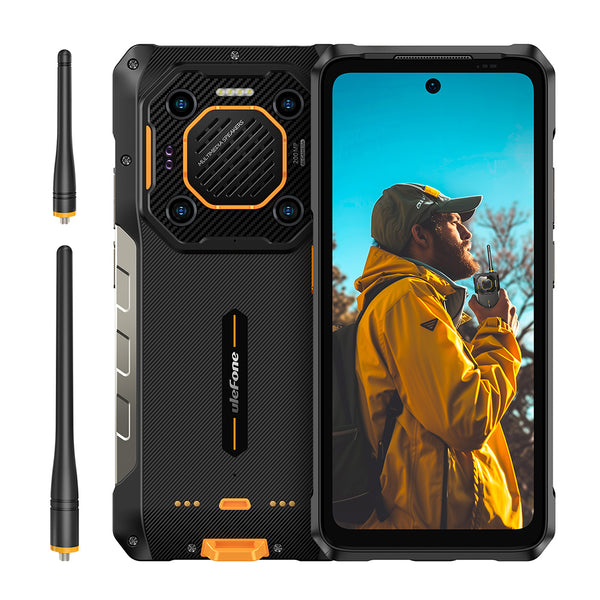
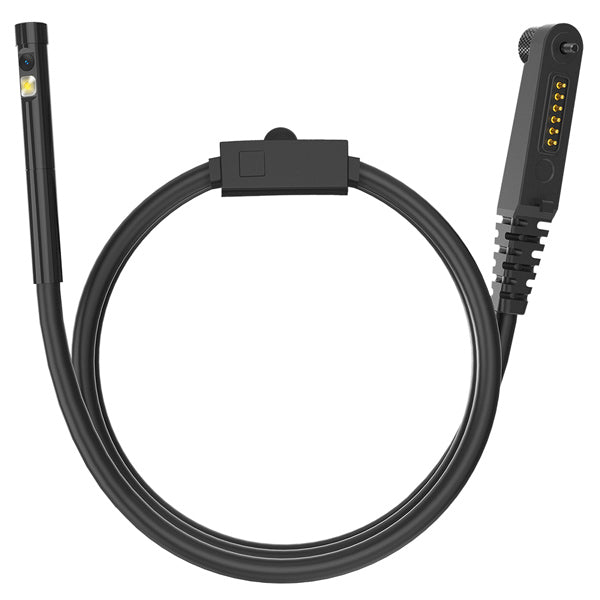
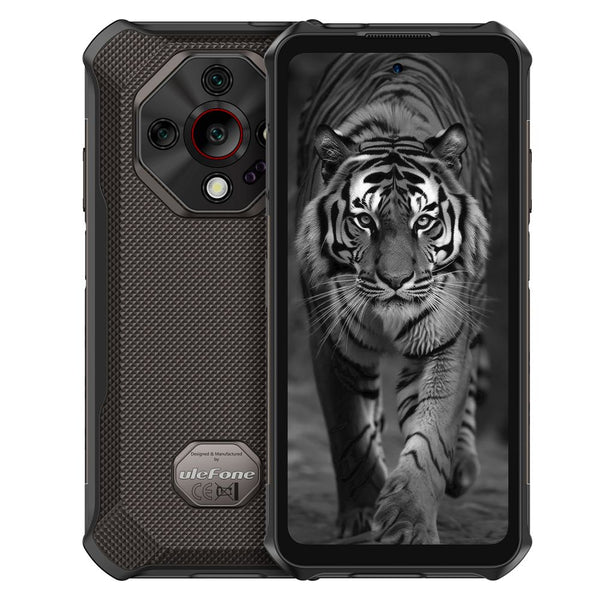
Both use the FLIR Lepton 3.5 sensor with MSX, which overlays visible-light edges on the thermal image. For damp work that overlay earns its keep. A saved photo shows the window frame and the skirting board, so anyone can see where the patch is. The Pro+ adds 12GB of RAM and a uSmart connector for accessories such as an endoscope.
Armor Mini 20T Pro: The One That Fits a Pocket
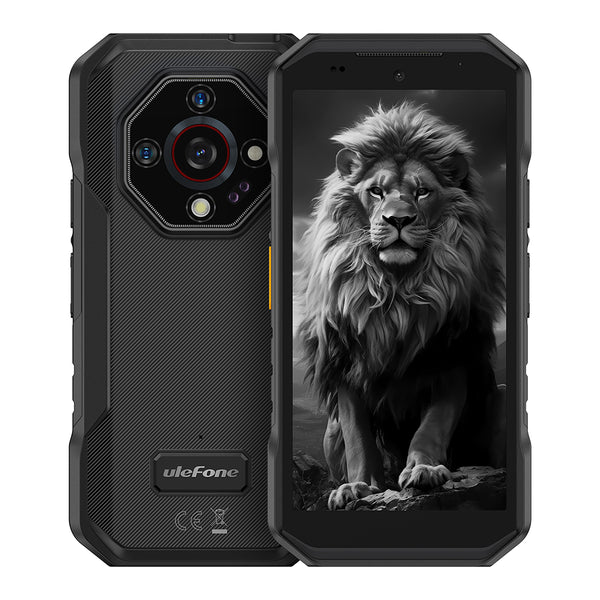
The same FLIR Lepton 3.5 sensor in a 4.7-inch body. If you manage several properties and want thermal with you on every visit, this is the model you will actually carry.
Armor 25T Pro and Armor 25T: The Entry Point
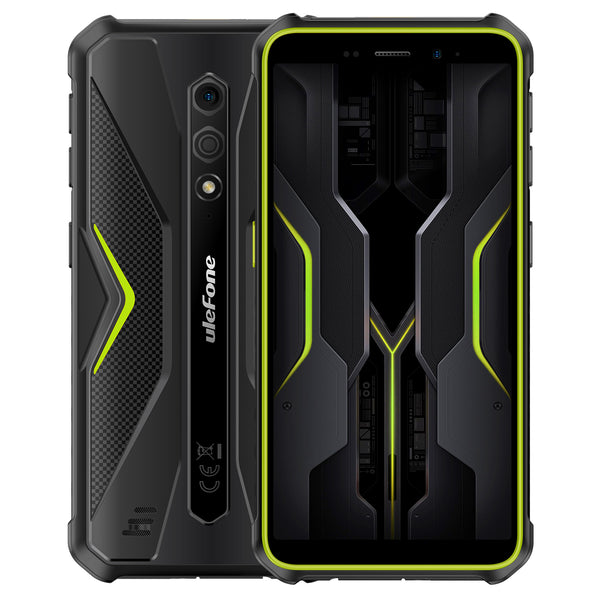
The ThermoVue sensor in the 25T Pro lists 160x120 at 25Hz, in a 12.5mm body. The 25T is the lowest-priced thermal phone in the range at $319.99. For checking your own home a few times a year, either is enough.
FAQ
Is 160x120 enough to find damp? For rooms in a normal house, yes. You work within a couple of metres of the wall, and damp patches are large, soft-edged targets.
Is a thermal phone as good as a handheld thermal camera? At matching resolution the picture is comparable for this job. The phone's advantage is that it is with you, and that photos go straight into a message or email.
Will it work in summer? Yes, but pick your time. Early morning after a cool night, or a room with the air conditioning running, gives the contrast you need.
Can I use the images in a dispute with a landlord or builder? A dated before-and-after pair is strong supporting material. Whether it counts as formal evidence depends on local rules, and a professional report carries more weight.
Which One Should You Choose
Choose the Armor 25T or 25T Pro if you want to check your own home and keep the cost down. Choose the Armor 27T or 27T Pro+ if you will share images with other people and want the MSX overlay. Choose the Armor Mini 20T Pro if it has to live in a pocket. Choose the Armor 29 Pro Thermal if inspection is your job, and the Armor 28 Ultra Thermal if you want that sensor in a flagship.
Whichever you pick, remember what it is for. It doesn't find mold. It finds the water, and the water is the part you have to fix.
Bonus draft: Winter Home Heat-Loss Check: Find Drafts with a Thermal Imaging Phone
A 20-minute walkthrough for finding drafts, leaky seals and missing insulation with a Ulefone thermal imaging phone before the heating season starts.
Your heating bill has a leak somewhere. You can feel a big draft with your hand, but the expensive ones hide inside walls and ceilings. Here is how to find them with the phone in your pocket...
Every house leaks heat. The question is where, and most of us answer it by guessing. We feel a chill near the back door, blame the windows, and turn the thermostat up a notch.
A thermal camera replaces the guess with a picture. If your phone already has one built in, a full check of your home takes about 20 minutes. I'd do it now, before the first real cold snap, while fixing things is still a weekend job rather than an emergency.
Why Check Before Winter, Not During It
Two reasons. First, repairs are easier in mild weather. Caulk and sealant cure better, and nobody wants a door off its hinges in January.
Second, the numbers are worth the effort. FLIR's own home-winterizing guide puts the saving from sealing common gaps at up to 20% of annual energy bills, and says hidden problems inside walls can add another 10 to 20% of a home's total energy loss. Treat those as best-case figures. Even half of that pays for a few tubes of sealant many times over.
What You Need Before You Start
• A temperature gap. A thermal camera shows differences, so indoors and outdoors must differ. Around 10°C (18°F) is a common rule of thumb. A chilly autumn morning with the heating on works well.
• A closed-up house. Shut windows and exterior doors and run the heating for an hour or so, so warm air is pushing at every weak point.
• No direct sun on the wall you scan. Sun-warmed surfaces hide what is going on behind them. Early morning or after dark gives the cleanest picture.
• A thermal imaging phone. Any of the seven Ulefone models in the thermal imaging collection will do this job.
The 20-Minute Walkthrough
Work from inside, room by room, and take a thermal photo of anything that looks odd. From indoors on a cold day, trouble shows up as cold patches or streaks, the darker or bluer areas in most colour palettes.
1. Exterior doors. Scan the full frame, then the threshold. A healthy seal looks even all the way round. A cold wedge in one corner means the weather stripping has shrunk or the door has dropped.
2. Windows. Look at the edges, not the glass. Glass reflects heat like a mirror, so the pane will mostly show you your own reflection. Cold lines along the frame or sill point to failed seals.
3. Ceilings and the attic hatch. Sweep the ceiling of the top floor. Insulation that has shifted or was never laid shows up as cold rectangles between the joists. The attic hatch is often the worst offender in the house.
4. Exterior walls. Scan slowly, corner to corner. Evenly spaced faint stripes are just the studs. A large cold patch between them is a gap in the insulation.
5. Anywhere something passes through the wall. Cable entries, pipes under the sink, vents, outlets and switches on outside walls. These holes are small, there are many of them, and they are almost never sealed properly.
How to Read What You See
A thermal image is easy to misread, so a few cautions.
• Streaks mean moving air. A cold shape that fans out from a gap is a draft. A cold patch with soft, even edges is more likely missing insulation.
• Cold can also mean wet. Damp plaster cools as it dries, so it looks like a cold spot. If a patch sits under a window or below a bathroom, check for moisture before you buy insulation.
• Shiny surfaces lie. Glass, polished metal and glossy tiles reflect. Change your angle; if the hot or cold spot moves with you, it is a reflection.
• Compare like with like. Scan the same wall in two rooms. The one that looks different is the one with the problem.
Turning Pictures into Fixes
|
What the image shows |
Likely cause |
Typical fix |
|
Cold corner or edge on a door |
Worn or shrunken weather stripping |
Replace the stripping, adjust the latch |
|
Cold line along a window frame |
Failed sealant |
Re-caulk inside and out |
|
Cold rectangles on a ceiling |
Missing or shifted attic insulation |
Re-lay or top up insulation |
|
Cold patch on an exterior wall |
Insulation void |
Get a quote for cavity fill |
|
Cold halo around an outlet or pipe |
Unsealed penetration |
Foam gasket or expanding foam |
After each repair, wait for a similar cold day and scan again. The before-and-after pair is the only real proof the fix worked, and it takes ten seconds to shoot.
Which Ulefone Thermal Phone for This Job
For a once-a-year home check you don't need the top model. The Armor 25T ($319.99 on sale) and Armor 25T Pro ($449.99) use Ulefone's ThermoVue sensor, and the Pro lists 160x120 resolution at 25Hz. That is plenty for door seals and ceilings.
If you want FLIR hardware, the Armor 27T, Armor 27T Pro+ and Armor Mini 20T Pro all carry the FLIR Lepton 3.5 sensor. The two 27T models add MSX, which lays visible-light outlines over the thermal picture, so a photo of a wall still shows which outlet you were pointing at.
The Armor 29 Pro Thermal and Armor 28 Ultra Thermal step up to a 640x512 ThermoVue T2 sensor. That extra detail matters if you scan high ceilings or the outside of the house from the garden.
FAQ
Can a thermal phone see inside my walls? No. It reads the temperature of the wall's surface. A gap in the insulation changes that surface temperature, and that pattern is what you see.
What if it isn't cold enough yet? Wait. With only a few degrees of difference the image goes flat and you will miss things. The first properly cold morning of autumn is ideal.
Should I scan from inside or outside? Start inside. Wind, sun and rain all distort an outdoor scan. Go outside afterwards, at night, to confirm the big finds; from there, leaks look warm instead of cold.
Does this replace a professional energy audit? No. An auditor uses a blower door to depressurize the house and measures how much air it leaks. A phone scan finds the obvious problems you can fix yourself, and tells you whether calling an auditor is worth it.
Pick a cold morning, close the house up, and walk the five spots: doors, windows, ceilings, outside walls, and every hole a cable or pipe goes through. Photograph the cold patches, fix the cheap ones first, and scan again. It is the most useful 20 minutes your thermal camera will do all year.


Dejar un comentario
Todos los comentarios se revisan antes de su publicación.
Este sitio está protegido por hCaptcha y se aplican la Política de privacidad de hCaptcha y los Términos del servicio.