






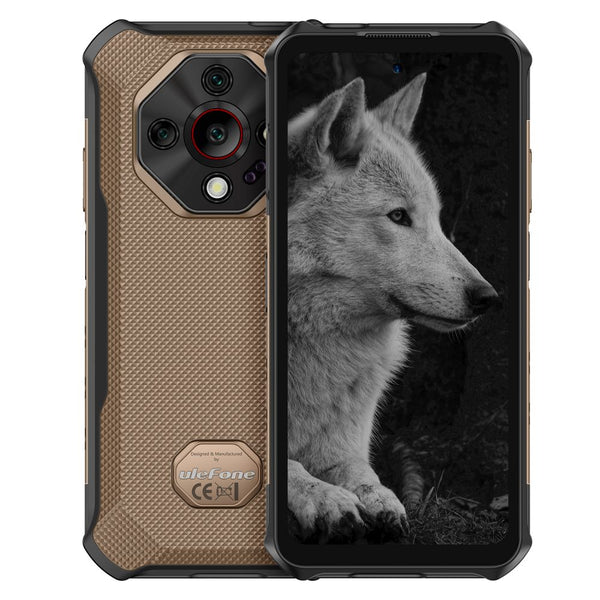
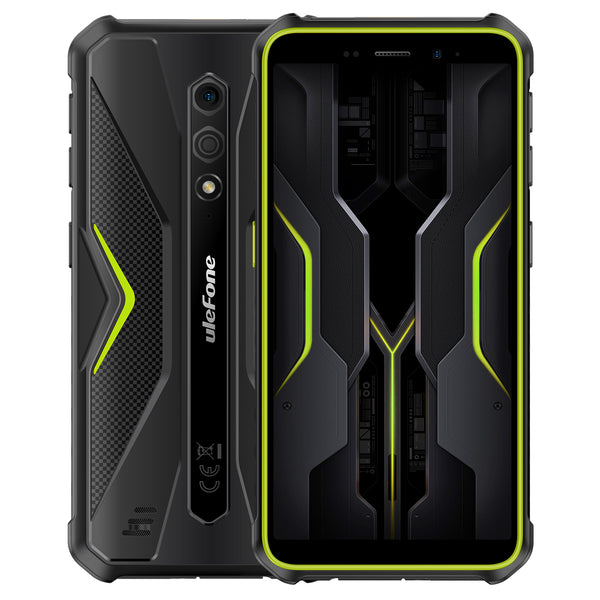
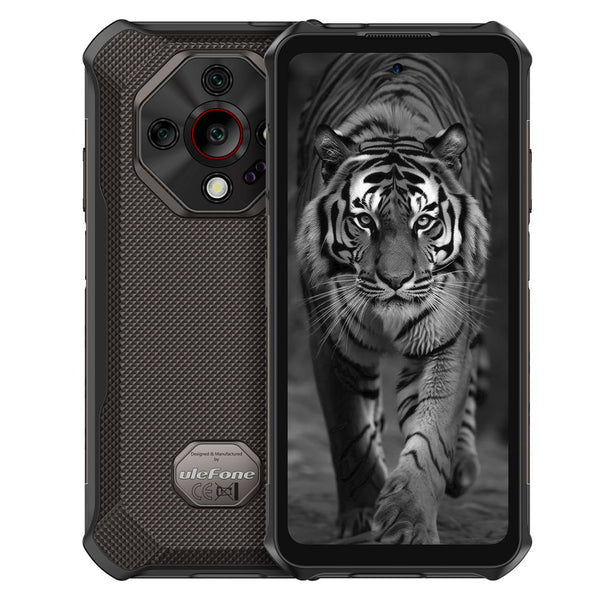










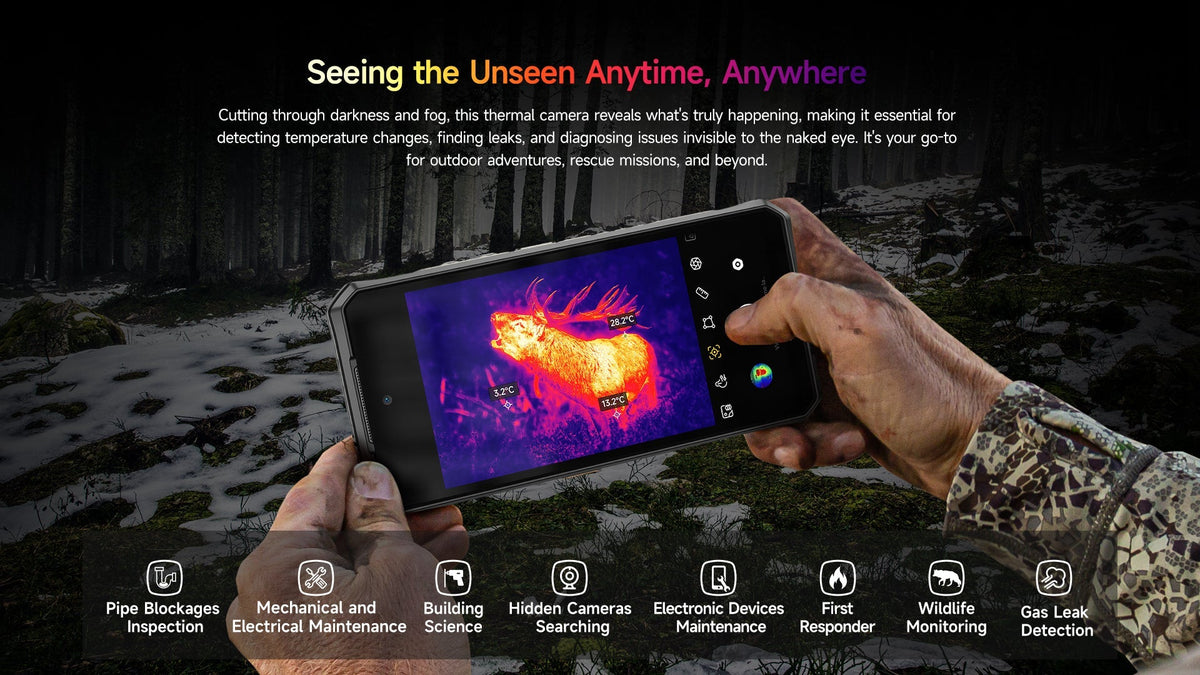
Some problems are invisible until you can see heat: a malfunctioning breaker in a panel, a water leak behind drywall, a draft from a door, or a missing pet in the dark. A thermal imaging phone is the tool you didn’t realize you needed until you had it in your pocket. It’s a cellphone with a long-wave infrared camera that shows temperature differences as a live color image, and in 2026 it’s become a seriously practical device for electricians, HVAC technicians, home inspectors, and outdoor travelers.
In this guide, you will learn what a thermal imaging phone actually is, how the technology works, what to consider before you buy, who needs one, and how it compares to add-on thermal camera attachments.
Can a Regular Smartphone Do Thermal Imaging?
Short answer: no. An iPhone, Pixel, or Samsung flagship shoots visible light only. None of them carry a long-wave infrared sensor, and no app can change that — a standard camera sensor physically can’t detect heat.
This is where the fake apps come in. Search “thermal camera” on the Play Store or App Store and you’ll get a wall of apps that look the part. They’re not doing anything clever: the app recolors your normal camera feed with a heat-map palette and calls it thermal imaging. The temperature readout it shows is decoration. Point one at a mug of hot coffee, then at the floor — the colors barely move, because there’s no temperature data behind the image at all.
Real thermal imaging needs a real LWIR sensor, and that leaves exactly two practical options:
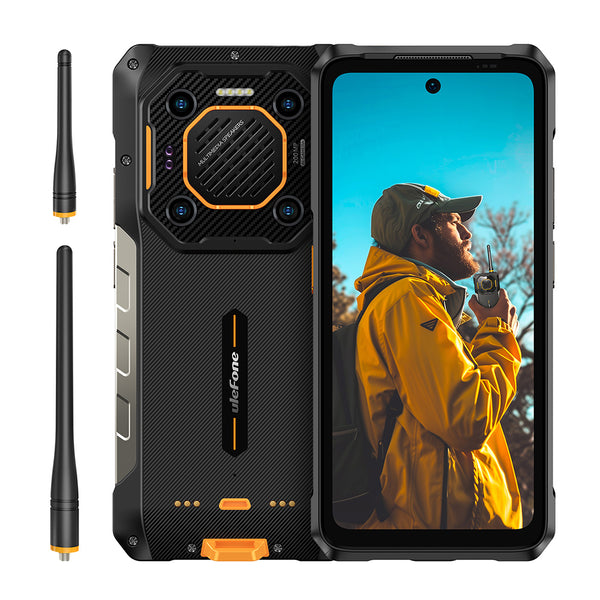
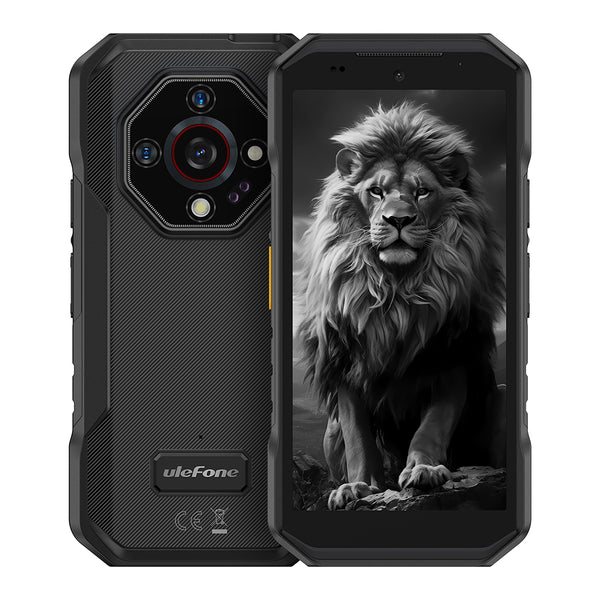
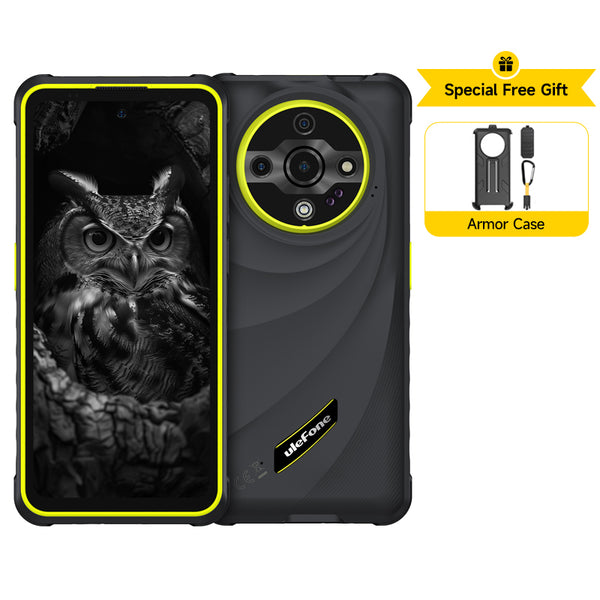
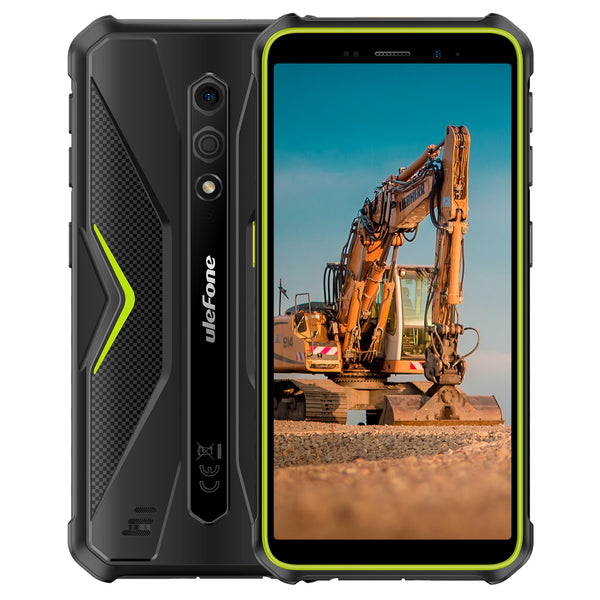
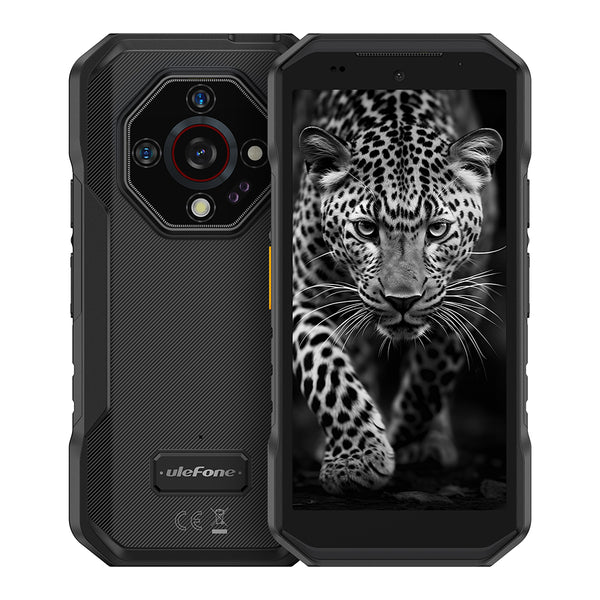
· A rugged phone with the thermal camera built in, like the Ulefone Armor 28 Ultra Thermal.
· A clip-on attachment for the phone you already own — FLIR One, HIKMICRO, or Seek Thermal.
If you’re ever unsure whether a demo is real, pan the phone across something warm. A genuine thermal camera lags and smears a little, like the low-resolution sensor it is, and the temperature number changes as you sweep. A filter app tracks sharply and smoothly, because it’s just your normal camera with a paint job.
What Is a Thermal Imaging Phone?
A thermal imaging phone is a smartphone with a long-wave infrared camera built in. Unlike a regular camera that captures visible light, its sensor records the heat that every object radiates and maps it to a color: hot areas appear in red and white, cooler areas in blue and purple. You get a real-time thermal image on the phone’s screen, along with temperature readings you can tap to read.
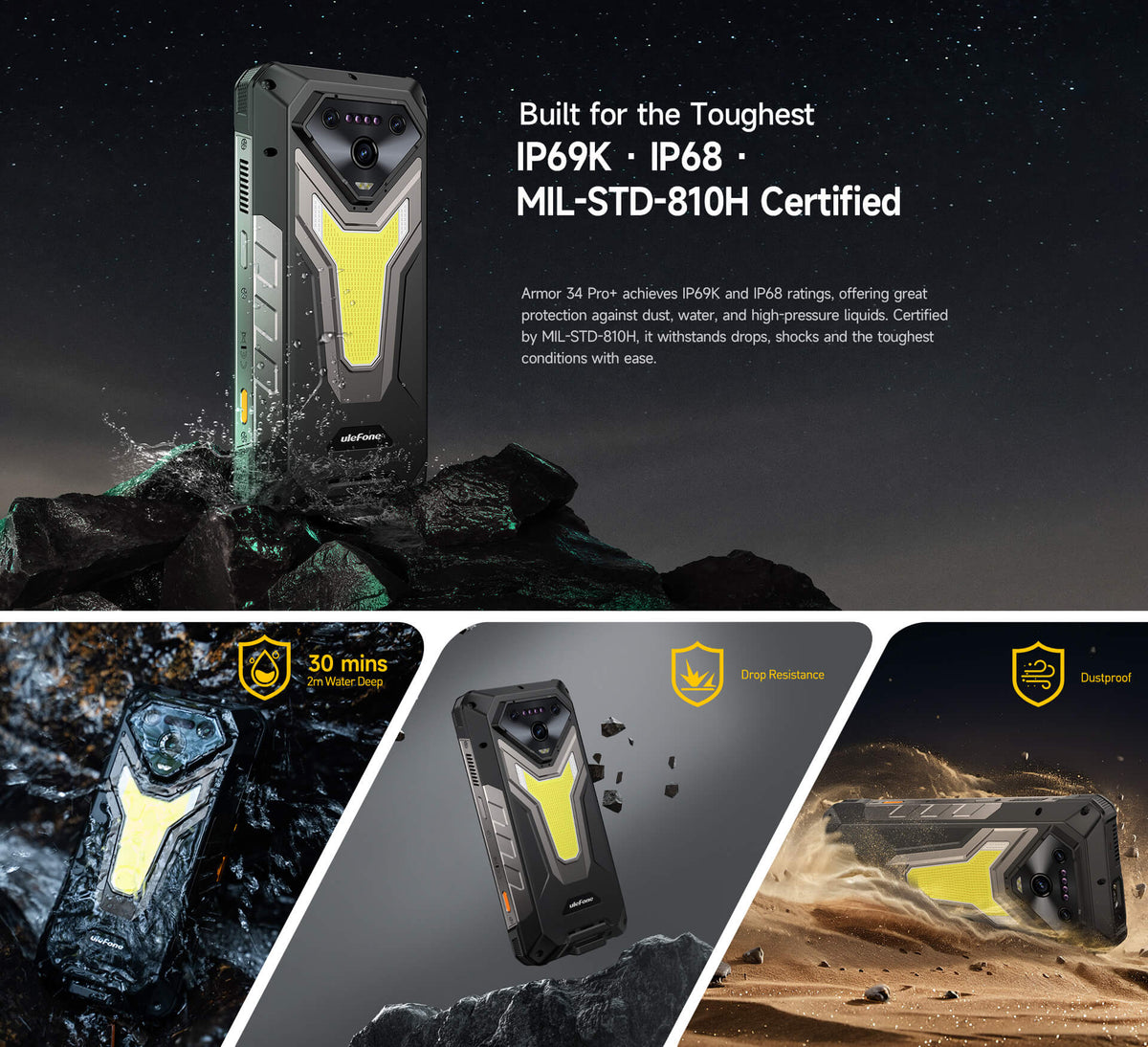
Since the sensor is incorporated into the phone, there’s no extra dongle to carry or device to charge - the thermal camera is simply part of the phone. Most of the models in this space are rugged phones rated to survive IP68/IP69K dust and water immersion, so they’ll also survive the same job sites where you’ll need the imaging.

How Does a Thermal Imaging Phone Work?
It’s simple:
1. A microbolometer sensor detects the long-wave infrared radiation emitted by the objects in front of it, translating this into temperature data for each pixel.
2. A thermal lens then focuses that radiation onto the sensor, which is why the thermal resolution is expressed as a dimension: 160×120 or 640×512 - the number of temperature pixels the sensor can produce.
3. The software then creates a color map based on the temperature readings so you see “heat” instead of numbers - hot maps out in reds and whites, cold in blues and purples.
4. Tools then let you measure spots or areas, set emissivity for different materials, capture images and then export them as images or reports.
The two specs you really want to pay attention to are thermal sensitivity (NEdT) expressed in millikelvins: less than 50 mK is good enough to spot even very subtle temperature differences, while frame rate in Hz tells you how smooth the image is when you pan across a wall, for example: 25Hz is the minimum to avoid lag.
New flagships also include an AI or NPU processing step that enhances a 640×512 image in real-time, reducing thermal noise for a sharper, cleaner result. Think: the Ulefone Armour 28 Ultra Thermal with its thermal emphasis on the popular 640×512 chip and Advanced Nvidia Processor.
What Do You Need to Know When Buying a Thermal Imaging Phone?
Use this short checklist to compare models without getting bogged down in marketing gimmicks:
Thermal resolution. 640×512 presents more detail than 160×120 - that’s the difference between being able to see the entire panel zone or just that one hot lug. For identifying panel faults or wiring, higher resolution is worth it; for basic household checks, it’s still fine.
Thermal sensitivity (NEdT). If you want to be able to see subtle temperature differences in different spots - like a basement wall with trapped cold air, a wear ring on a motor bearing, or the wires running through a panel - look for under 50 mK.
Accuracy. Most phone thermal cameras hover around 2% or 2 C accuracy; not enough for calibration, but enough to spot a trending issue. Know what you’re buying.
Temperature measurement range. Most consumer-grade units measure from about −20°C up to 150°C, which covers walls, panels, pipes and appliances. If you plan to scan exhausts, ovens, or industrial equipment, you’ll want a model rated to 400°C or even 550°C. It’s an easy spec to overlook until you hit your first hot manifold.
Field of view. A wider FOV (roughly 50° and up) covers a wall or a panel in fewer sweeps; a narrower lens pulls in more detail at a distance, but you’ll be moving more. If most of your work is large surfaces, this matters more than it looks on paper.
Native resolution vs AI upscaling. Read the fine print here. Some phones advertise a “640×512” image that actually comes from a 256×192 sensor, with AI filling in the extra pixels. It can look sharp on the screen, but those extra pixels are interpolated, not measured. If you zoom in or hand a report to a client, native resolution holds up; upscaled images go soft. Ask whether the number in the spec sheet is native sensor resolution or “enhanced” output — reviewers and forums check.
MSX / visible-light fusion. FLIR’s MSX overlays edge detail from the visible camera onto the thermal image, so you can read the panel label or see where the stud is behind the wall. Some non-FLIR brands do their own version of visible-light fusion. It’s a bigger usability win than most specs — plain thermal blobs are harder to interpret than they look in product photos.
Radiometric data and report export. A radiometric image stores a temperature for every pixel, not just a picture of them. That means you can re-measure any point later in software and build a report to hand a client. If you’re documenting findings on a job, check that the phone’s app actually exports radiometric images or PDF reports — some models save plain pictures only.
Frame rate and software features. At least 25Hz for smooth live panning; have a look at adjustable color palettes, emissivity adjustment, spot and area tools, and ability to export reports.
Ruggedness and power. Field use means IP68/IP69K ratings are crucial, as are large batteries; you’re also better off with a drop-proof rugged design if you want to be able to scan your panel or the crawlspace without worry.
A night vision camera. Many rugged phones include both thermal and IR night vision cameras, which come in handy when you’re trying to see something deep in a crawlspace.
Who Needs a Thermal Imaging Phone?
Electricians and maintenance teams. No more guessing: find that burst fuse before it blows, overheatings in the wiring, and hot bearings and motors while they’re warm.
HVAC technicians. Track down refrigerant leaks or ductwork gaps, check insulation level and locate lagging issues, and prevent frozen coils.
Home inspectors and DIYers. Find leaks behind walls, locate missing insulation or insulation gaps, catch appliance overheating, and spot rodent entry points.
Outdoor lovers and campers. Search for heat sources on your walk, get a feel for the temperature of your gear, see wildlife from a safe distance, and check your stove or heater is cold before packing up.
Car lovers. Detect leaking exhaust or cold spots in the cooling system, find hot spots in batteries or alternators, and track down screamer bearings.
If you work around any of those things for a living, a built-in thermal camera will save you money in fewer callbacks and faster diagnosis.

Thermal Imaging Phone vs. Thermal Camera Attachment
|
|
Built-in thermal imaging phone |
Thermal camera attachment (eg FLIR One) |
|
Cost |
Premium phone price |
~$200-400 add-on |
|
Portability |
Always with you |
Phone remains your second screen to the camera’s dongle |
|
Compatibility |
Native app; no cables |
Third-party app; needs cable connection |
|
Ruggedness |
IP68/IP69K - Dust and water resistant, drop tested |
Smartphone integration more fragile |
|
Thermal resolution |
Up to 640*512 |
256×192 at 25Hz on most current models; older units still 160×120 at around 9Hz |
|
Best suited for |
Professionals who use the thermal camera every day for panels, plants, and tools |
Occasional home- or outdoor-gadget use |
For the pro who uses a thermal camera to scan panels, ducts, and machine parts on a weekly basis, an integrated thermal camera is faster, more durable, and more convenient to use. For an occasional home-checker, an attachment to your existing phone is cheaper.
How the Main Thermal Phones Compare
|
Model |
Thermal sensor |
What stands out |
Who it’s for |
|
ThermoVue T2, 640×512 at 25Hz, SharpenAI |
Highest native resolution in this group; AI image enhancement; 10600mAh battery |
Pros who scan panels and ducts daily and want the detail |
|
|
Sonim XP Pro Thermal |
FLIR Lepton with MSX |
FLIR software and MSX edge overlay; sold through US carriers |
Teams that want FLIR’s ecosystem and carrier support |
|
CAT S62 Pro |
FLIR Lepton 3.5, 160×120 with MSX |
The classic reference for FLIR integration in a rugged phone |
Anyone who wants a known quantity — if they can still find one new |
|
Blackview / AGM thermal models |
Varies by model |
Cheapest way into a thermal phone; solid rugged build |
Budget buyers — check the sensor specs on the exact model |
If you’re choosing between them, think about what you’re actually paying for. Sonim and CAT sell FLIR’s software, MSX overlay, and years of field validation — but you pay flagship prices for a 160×120 sensor that was state of the art a few years ago. If raw resolution and frame rate matter more to your daily scans than the brand on the app, the Armor 28 Ultra Thermal’s native 640×512 is in a different class, and Blackview/AGM cover the budget end if you’re willing to check each model’s exact sensor. There’s no universal winner; it’s a tradeoff between a mature ecosystem and raw thermal performance.
Our Pick: Armor 28 Ultra Thermal
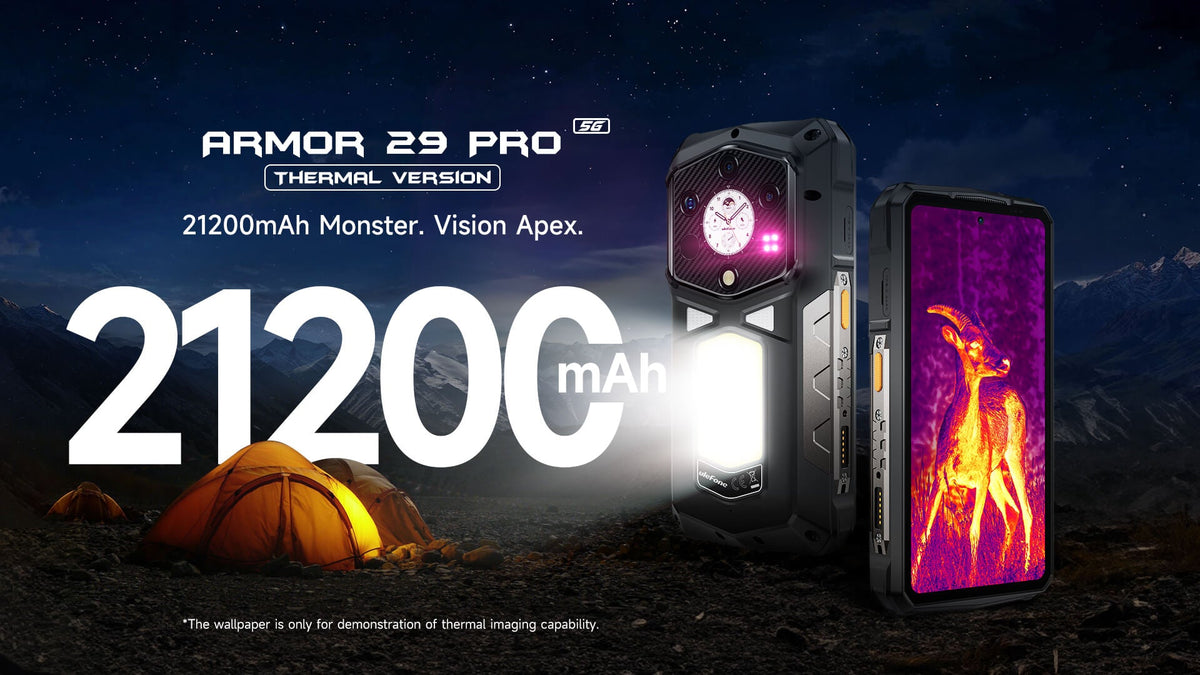
When you need an everyday professional-grade thermal tool, the Armor 28 Ultra Thermal combines one of the highest thermal resolutions of any phone - 640*512 pixels (using the Thermo Vue T2 chip), 25Hz, 2% accuracy, with the ability to enhance the thermal image in real-time thanks to AI-powered SharpenAI - with a rugged IP68/IP69K design, 10600mAh battery with 120W wired and 50W wireless charging, a Dimensity 9300+ 4G+NPU chipset, and 64MP IR Night vision camera for dark-site inspections - in short: the thermal camera you want in your everyday field bag.
Commonly Asked Questions
Can I use my phone as a thermal camera?
Only if it has a real LWIR sensor built in — the rugged phones covered in this guide — or you attach one, like a FLIR One, HIKMICRO, or Seek. A normal phone camera can’t see heat, no matter what app you install. See the filter app section above for how to spot the fakes.
Do iPhone or Samsung have a real thermal camera?
No. No mainstream flagship ships with a thermal sensor, and that includes iPhone and Samsung. There are concepts and demos every few years, but nothing you can actually buy today. If you see an “iPhone thermal camera” claim, it’s an attachment — or it’s the filter app trick.
Can thermal imaging see through walls, glass, or clothing?
No to all three. It’s a surface temperature sensor, and walls block it completely. Glass is its own problem: it reflects, so you mostly see the heat of the room bouncing back at you, or your own body heat, rather than anything behind the pane. Clothing blocks the radiation too, so no, it can’t see through clothes either, whatever the movies suggest. What thermal does do is find evidence: a damp patch behind drywall reads cooler than the surrounding wall, which is how you locate a leak without cutting holes.
What’s the difference between thermal and IR night vision?
They both get called “IR,” but they work differently. Thermal detects the heat objects emit — it needs no light at all and shows you temperature differences in total darkness. IR night vision (the kind on CCTV cameras and many rugged phones) shines an IR LED and records the reflected light, like a normal camera that can see in the dark. One shows you a warm animal against a cold field at midnight; the other shows you shapes and textures lit up by the illuminator. Different tools, different jobs.
What’s the difference between 160×120, 256×192, and 640×512 thermal resolution?
Pixels equal sharpness. 160×120 is coarse — you’ll know a breaker panel is warm, but pinning down the exact hot lug is guesswork. 256×192 is the current middle ground: clearly sharper, and what most mid-range attachments and phones use. 640×512 is another league entirely: you can pick out a single overheated connection inside a packed panel instead of a general warm zone. One catch worth checking: whether the spec is native or AI-enhanced. Some devices advertise “640×512” output from a 256×192 sensor with AI interpolation. It looks smoother, but the extra pixels are estimates, not measurements. For zooming and for reports, native wins.
How accurate is a thermal phone, and what range does it measure?
Realistically around ±2°C or ±2% on most models — plenty for finding problems and tracking trends, not enough for calibration or certified measurements. Range is the spec people actually compare once they get past resolution: most consumer units cover roughly −20°C to 150°C, which handles walls, panels, and appliances. If you’re checking exhausts, ovens, or industrial gear, look for a model rated to 400°C or 550°C — several rugged thermal phones reach there, but not all.
Built-in thermal phone or a FLIR One / Seek / HIKMICRO attachment — which should I buy?
If you’ll use it weekly on job sites, go built-in. It’s always with you, there’s nothing to charge separately, and the phone itself is rugged — the attachment hanging off a regular phone is usually the fragile part of the setup. If you check your home a few times a year, an attachment is far cheaper and works with the phone you already own. Just know the tradeoffs: you’re carrying a dongle, and most current attachments top out around 256×192 while the better built-in phones go to 640×512.
How do electricians, HVAC techs, and home inspectors actually use a thermal phone?
The workflow is basically the same in every trade: get a baseline, scan, compare.
· Electrician: open the panel, measure a breaker you know is fine, then scan the rest. A lug running noticeably hotter than its neighbors is a loose connection or an overload — flag it before it fails. Re-scan under load if the issue is intermittent.
· HVAC: let the system run for a few minutes, then scan the supply and return registers. A big temperature difference between them is the first thing you check. Sweep the duct joints for leaks, and scan the coil for uneven freezing.
· Inspector: scan walls and baseboards for cool, damp patches — that’s your leak evidence. Walk the attic looking for cold spots where insulation is missing, and run appliances briefly to catch overheating before you write the report.
Same tool, different baselines. The pattern-matching is identical.
Can a thermal imaging phone work in the dark?
Yes! The camera detects heat rather than light, so it is active in total darkness (not IR night vision, which uses an additional IR LED to illuminate the scene).


Dejar un comentario
Todos los comentarios se revisan antes de su publicación.
Este sitio está protegido por hCaptcha y se aplican la Política de privacidad de hCaptcha y los Términos del servicio.