
















Take Control
with Ulefone MDM
Secure and Manage Your Mobile Workforce
What Is MDM
MDM uses software to centrally manage and secure company mobile devices (smartphones, tablets, laptops) for security, compliance, and efficiency. It enables configuration, monitoring, maintenance, and remote operation. Essential for mobile work, MDM balances efficiency, security, and cost across industries and is increasingly vital with remote work and IoT.
What Ulefone MDM Can Do
- Device Management
- App Management
- Customized Device
- Remote Service
- Kiosk Mode
- Device Locking
- Geofence & Alert
Device Management
DeviceManagement
Monitor your devices' hardware, software, and performance. Support device commands like locking, factory resetting, and file synchronization. Securely lock lost or stolen devices, restore devices to factory settings, enable device function like location, wifi or bluetooth.

App Management
AppManagement
Deliver and manage Android and iOS applications in groups. Perform actions such as installation, removal, and update. Ensure compliance and streamline app management with Ulefone MDM's private app store, providing secure distribution and automated updates. Supports persistent application activity monitoring and custom system settings. With just a single click, transform any device into a dedicated enterprise tool.

Customized Device
CustomizedDevice
Easily customize devices with batch uploads of boot animations, wallpapers, and other device settings. Enhance your brand identity and boost user satisfaction with Ulefone MDM.

Remote Service
Remote ServiceIncrease service efficiency with Ulefone MDM. Our remote viewing and device control features, along with OTA updates and log monitoring, streamline device management and reduce downtime.

Kiosk Mode
Kiosk ModeWe've designed our kiosk mode to help you customize devices for specific tasks. You can choose between single-app and multi-app modes. Plus, you can enhance device security and productivity with customizable system settings. Single-app mode is perfect for keeping employees focused on one task.
Device Locking
Device LockingOur strong lock policy protects your device with secure lock screens and limits access to certain functions. Our flexible lock policy lets you control data access and app usage to keep your device secure and compliant.
Geofence & Alert
Geofence & AlertMonitor device location and usage. Receive notifications if devices go offline or leave designated areas. Enhance asset tracking and security with geofencing. Receive immediate notifications for lost or stolen devices.

Rugged Phones & Tablets for MDM Solutions
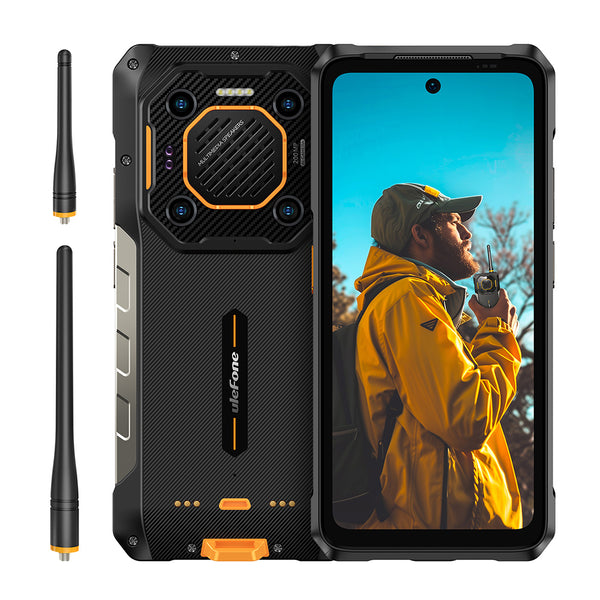
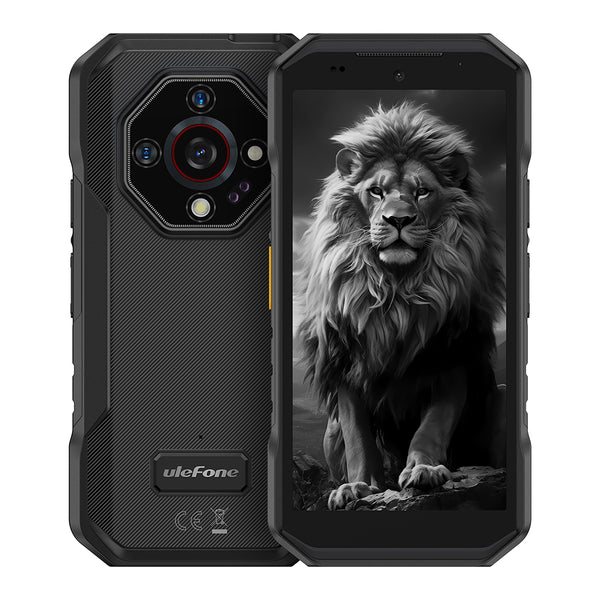
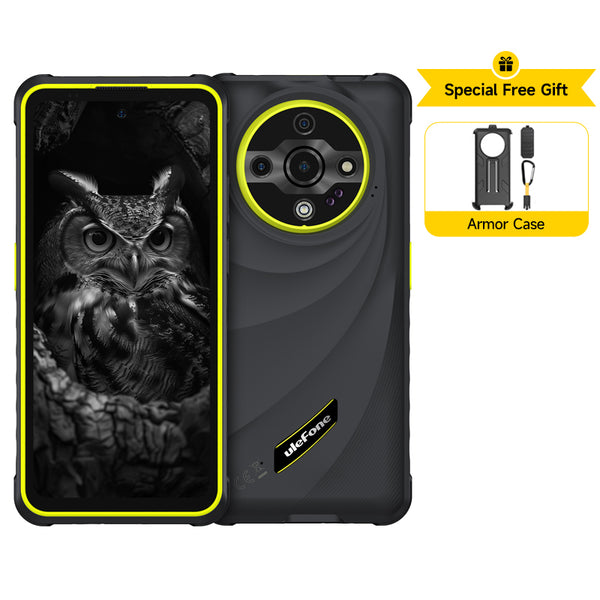
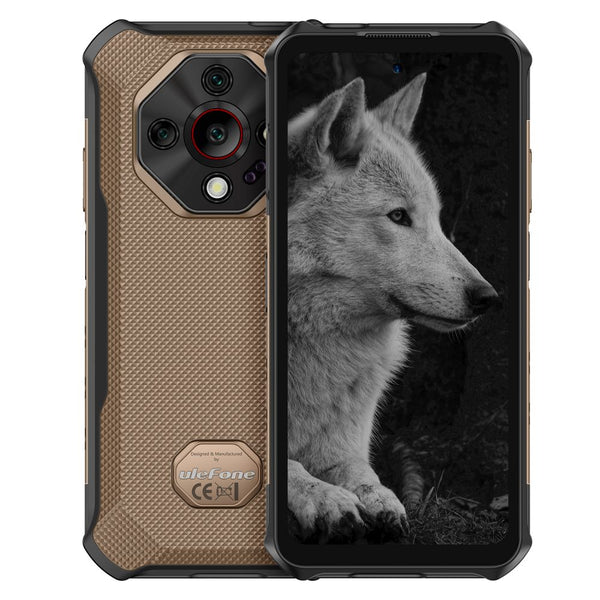
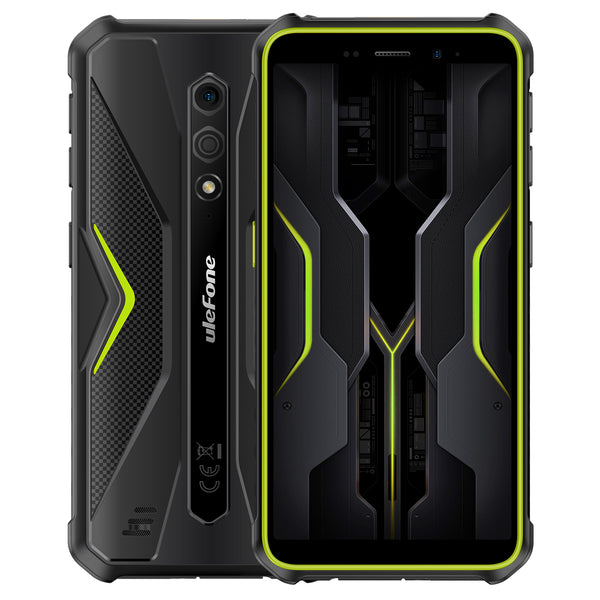
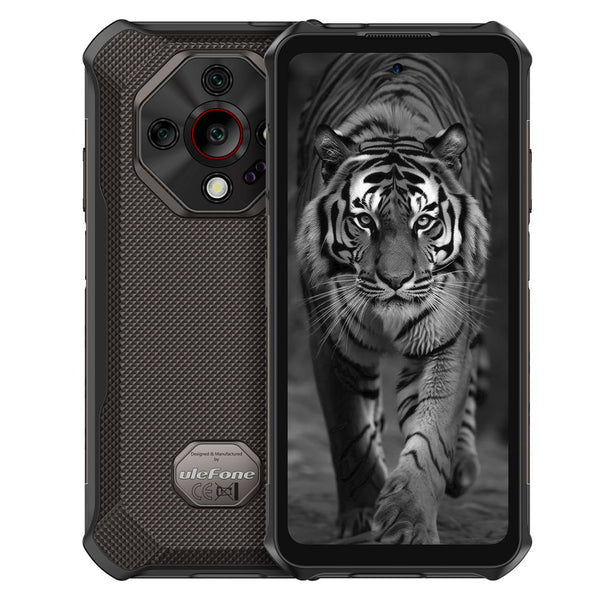
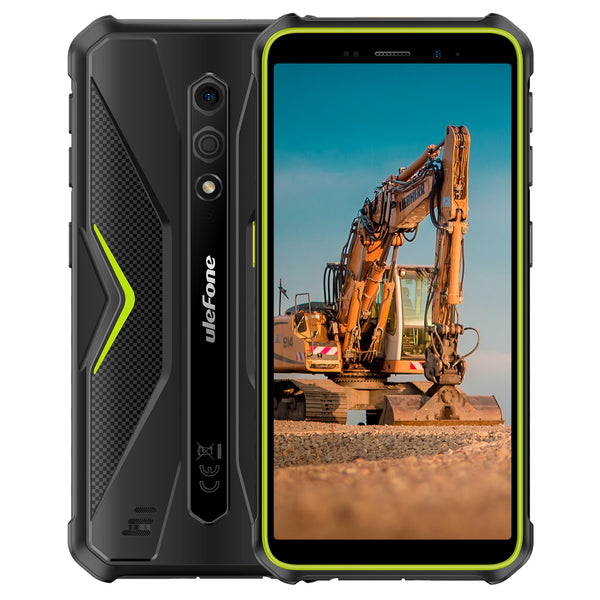
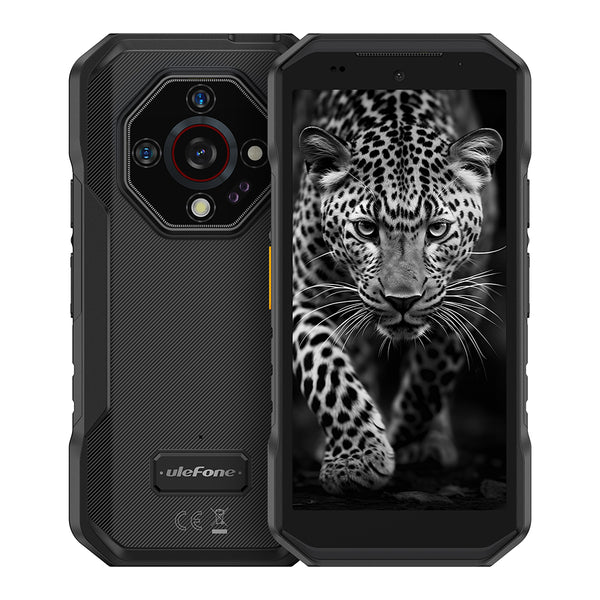
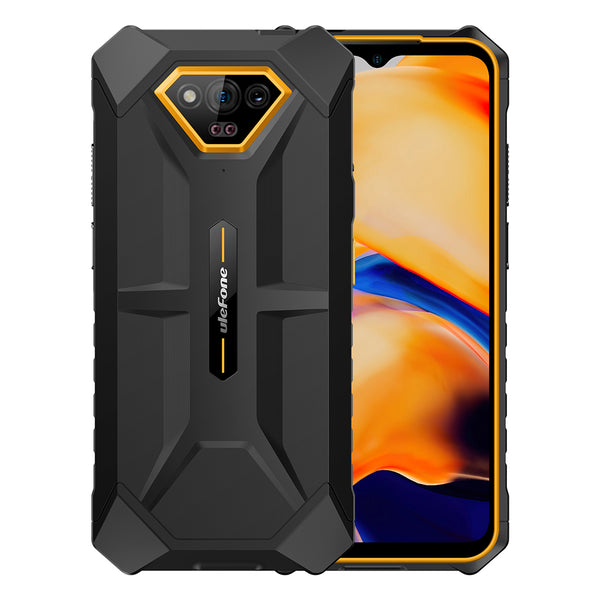
Built for demanding environments, Ulefone rugged phones and tablets are fully compatible with mainstream MDM solutions. Enable remote deployment, centralized management, and enhanced security to improve enterprise mobility and operational efficiency.
How MDM Empowers Enterprise


Are You Also Facing
These Challenges?

Employee Privacy
BYOD Issues
Employees worry MDM on their phones can see private things (like photos, location, calls), which feels like a privacy problem.
Trust Problem
Making them install MDM can make employees upset and feel the company controls their personal phone too much.

Bad User Experience and Less Freedom
Limited Features
MDM rules (like blocking app installs, limiting internet) can make the device harder to use and slow down work.
Slow Downs
Some MDM apps can use up phone power and make it run slower.

Legal and Compliance Problems
Where Data Stays
Companies in different countries need to make sure where the MDM keeps data follows local laws (like Europe's GDPR, China's rules about personal info).
Is Watching OK?
Some places have strict rules about watching what employees do on their devices, and doing it without asking can cause legal trouble.

Tech Troubles
Works on Everything?
It's hard to make MDM rules work the same on different phones (like iPhones and Androids) and computers, and you need to manage them all together.
Old Stuff Working Together?
Connecting MDM to the company's old computer systems (like the ones for money or logins) can be tricky and expensive.

Money and Not Sure If It's Worth It
Hidden Costs
Besides paying for the MDM software, there's also money for training people, keeping it running, and maybe talking to lawyers.
Too Big for Small Guys?
Small companies might think MDM costs too much for what they really need.

Stuck with One Company
Hard to Switch
If you rely too much on just one MDM company, it might cost a lot to change to a different one later.
Slow Updates
Some companies don't update their MDM quickly for new phones or other devices (like smart gadgets).

Data Safety Problem
Big Target
The MDM system itself can be a target for hackers, and if they get in, all the phones are in danger.
Too Much Power
If people inside the company with admin rights use them the wrong way, data could leak or bad things could happen.
Your All-in-One Solution for Device Management

- Manage company phones/tablets to ensure secure access to internal systems.

- Manage in-store POS terminals and inventory scanners.
- Deploy apps and updates centrally.

- Manage school-issued tablets. Restrict students from installing games or accessing non-educational websites.

- Ensure doctor tablets comply with HIPAA.
- Encrypt patient data and log access.

- Track driver device location to optimize routes; remotely diagnose device issues.

- When employees' personal phones access company email, MDM isolates work data and enforces two-factor authentication.

- Use MDM to manage regulations and usage restrictions for installment payment products, reducing risk.
OUR PREMIUM PARTNERS


Get Started with Ulefone MDM
Let us find your ideal MDM fit.


